
Name-Based Case Searches
Pick the right clerk before you try a Gonzales County name search. The District Clerk keeps district felony files. That office also holds civil, family, and juvenile cases. Misdemeanor, civil, probate, and mental-health files in Constitutional County Court sit with the County Clerk. Justice of the Peace and municipal clerks each hold their own lower-court dockets. A city citation search is not the same as a county felony lookup.
- Identify the court from a notice, citation, filing, or case type.
- Open the Gonzales County Odyssey path and use only the controls visible in the live session.
- Enter the name as accurately as possible, then try reasonable spelling variants.
- Compare results by court, case type, filing date, and any known number.
- Open the matching case and record its court and case number.
- Verify the entry with the responsible clerk before relying on it.
Gonzales County's public Odyssey form sits behind a web security challenge. The system publishes no details about its name fields, match rules, filters, or required controls. Assume nothing about last-name-first order or partial-name matching.
Gonzales County Odyssey Case Search
The county's official gateway is Gonzales County Courts Records Inquiry, branded as Odyssey Public Access. A login route exists as well. In practice, an AWS web application firewall challenge can stop you before the search form or any case detail loads. Treat that as a portal limit. It is not proof that a case is missing. The official interface is what you will meet at the county gateway, and it is exactly why a clerk fallback matters for any Gonzales County court docket question.
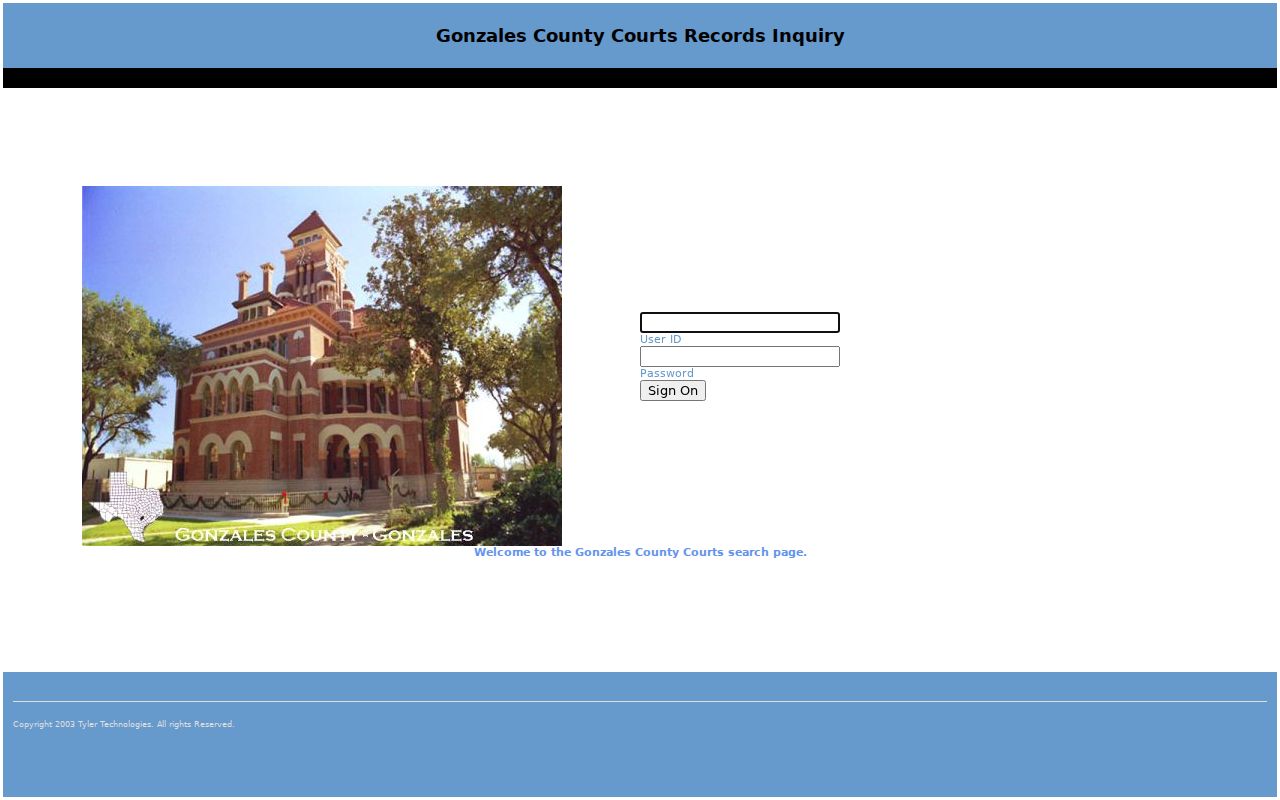
If the challenge keeps appearing, switch to a supported desktop browser, then call the clerk who holds the case. The portal publishes nothing on mobile access, refresh timing, date-span limits, result pagination, export, or image pricing, so ask the clerk about those details.
Case Number Searches
For a Gonzales County docket search, nothing narrows results like a case number. Copy it exactly from the notice, pleading, citation, or clerk record. Keep the court name attached to it. Gonzales County publishes no official case-number grammar. A pattern like YYYY-XX-##### is just a guess and not local fact. Enter the number exactly as printed. If Odyssey returns nothing, do not strip characters at random. Ask the clerk how that court enters older or legacy numbers. A municipal or justice court number may fail in a District Clerk system. The same goes for an appellate cause number. It belongs to the Thirteenth Court of Appeals once the appeal is opened.
Gonzales County Case Search Spellings
The official TylerHost public-access disclaimer suggests trying spelling variants, and that advice earns its keep with hyphens, spacing, initials, or names indexed in an odd form. Change one thing at a time. That keeps each Gonzales County case search traceable. The disclaimer also states plainly that public access is a convenience, may contain errors or omissions, and does not certify authenticity. Images can be unavailable during backups. The official page spells out those limits in full.
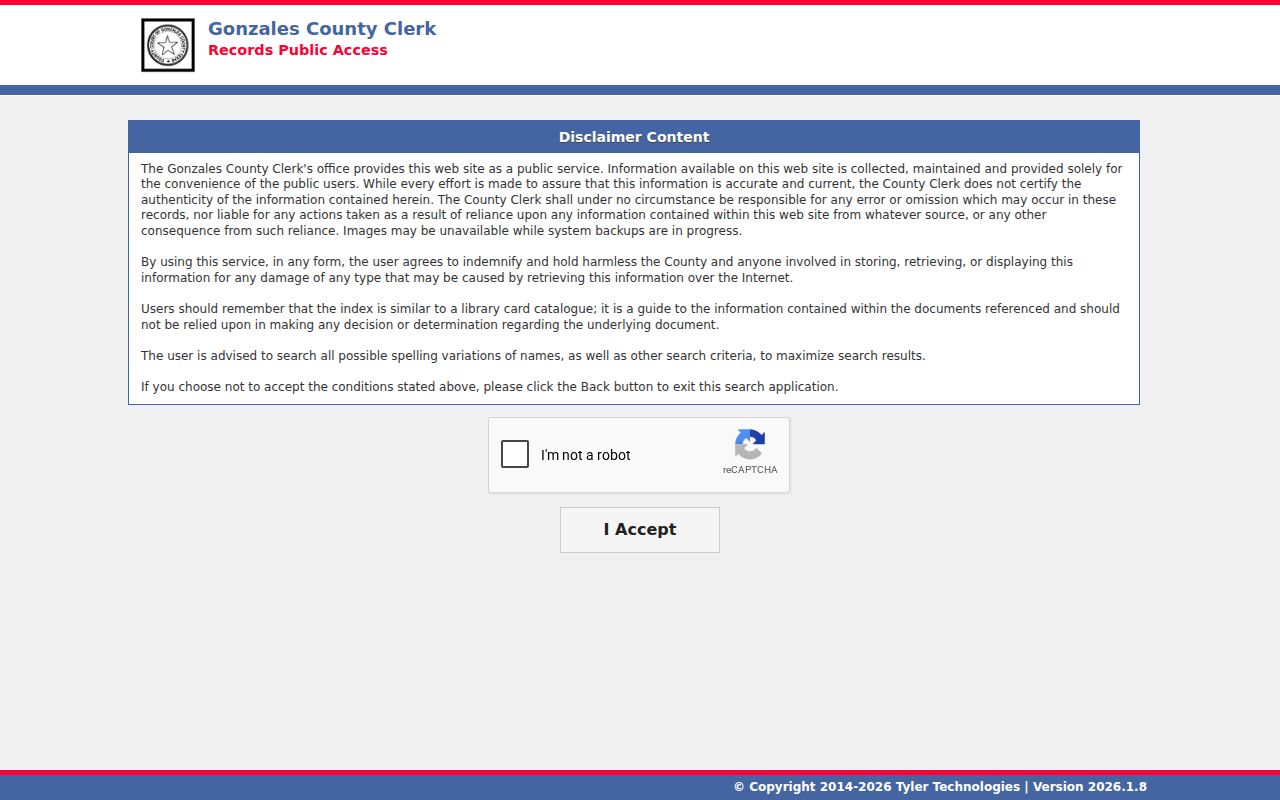
When a likely match appears, write down the case number and court. Request the underlying document or a certified copy separately if you need more than an index entry.
Case Search Results Explained
Read a Gonzales County result in layers. Split the case header, parties, dated register, settings, disposition, and document or financial links into separate questions. Not every case displays every field. Treat the table as a checklist of items to verify with the clerk.
| Case number | The clerk-assigned identifier; capture it exactly with the court. |
|---|---|
| Case style | The formal caption or parties, to the extent public display is allowed. |
| Court and judge | The court holding the case and the judicial officer shown for a setting. |
| Case type and filed date | The category and opening date, useful for separating similar results. |
| Register | Dated filings, orders, notices, hearings, and other docket events. |
| Status or disposition | A summary label that should be checked against the signed order or judgment. |
| Future setting | A hearing date or type that still needs current court confirmation. |
| Document link | An image or purchase path when public and available; not automatically certified. |
A screen can list an event while withholding the filed image. A docket entry is not a plain copy, and neither equals a clerk-certified copy.
Gonzales County re:SearchTX Case Views
re:SearchTX is the statewide repository layer. Its official guide splits work into four modes. Cases locates case records. Filings targets submitted items, Text searches available text, and Hearings covers settings. Registered users gain filters, case descriptions, hearing results, export, and saved searches. The statewide landing page states that coverage depends on participating systems and case type.
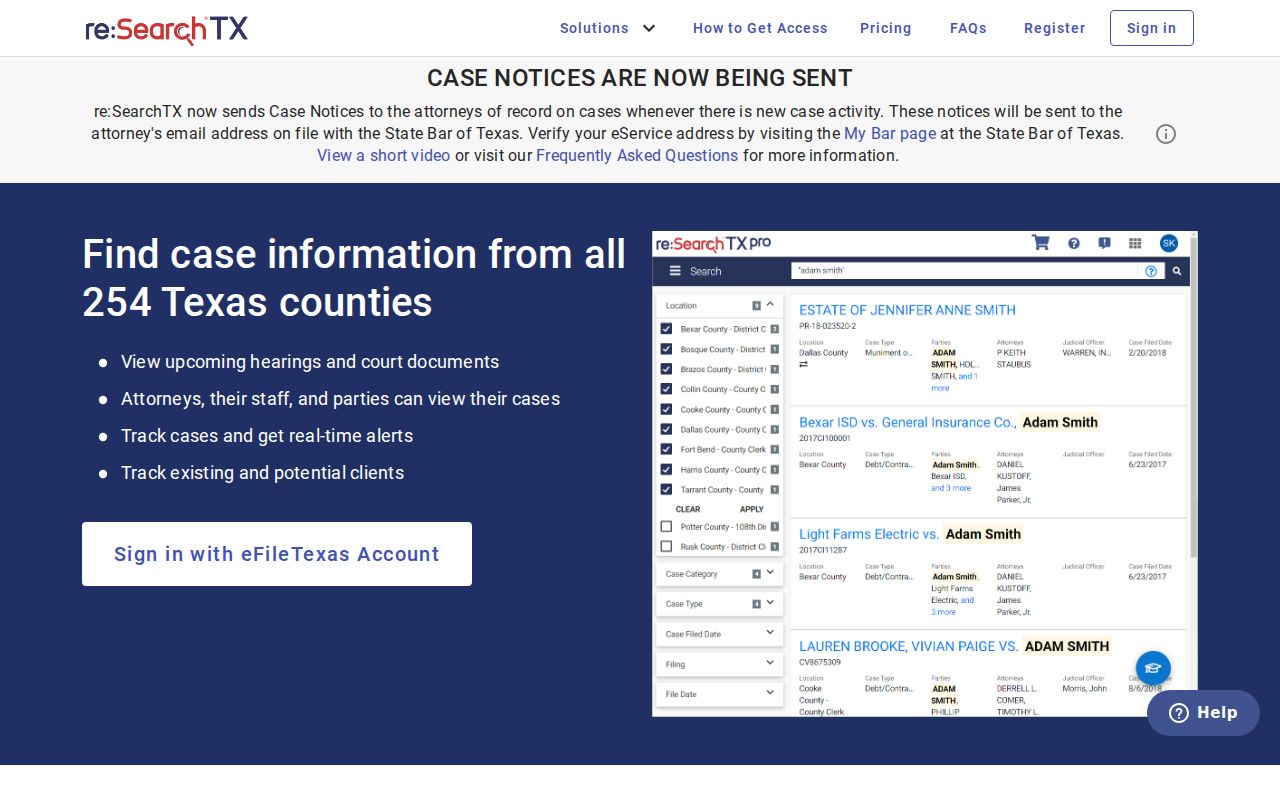
State material flags criminal coverage as a notable limit. The guide lists no Gonzales-specific courts, case types, statuses, or year ranges. Check availability, then verify any result with the local clerk.
Two Ways to Search: County and State
The local and statewide systems serve different jobs, and neither is complete in every category.
| re:SearchTX | Gonzales County Odyssey |
|---|---|
| Searches participating Texas systems. | Starts with the county's public-access gateway. |
| Offers Cases, Filings, Text, and Hearings views. | Exact live fields remain unconfirmed because of the WAF challenge. |
| Useful when county or venue is uncertain. | Useful when a Gonzales County court and number are known. |
| Registration supports saved searches and export. | Login behavior and guest limits were not fully visible. |
| Coverage, especially criminal coverage, must be checked. | Index data and images may be incomplete or unavailable. |
Search both when it helps. If both come up empty, change clerks before changing facts. A district case belongs to the District Clerk, a County Court case to the County Clerk, and a JP or city case stays with that lower court.
Gonzales County Docket Search Fallbacks
The District Clerk can check felony and district civil, family, or juvenile custody at 830-672-2326 in Suite 300. The County Clerk can check County Court misdemeanor, civil, probate, and mental-health custody at 830-672-2801 in the Randle Rather Annex. A person may call, visit the counter during published hours, ask whether public-terminal access exists, or send a specific written request.
For JP cases, call Precinct 1 at 830-672-3734, Precinct 3 at 830-788-7762, or Precinct 4 at 830-582-1292. Municipal clerks are separate: Gonzales 830-672-2815, Nixon 830-582-1683, Smiley 830-203-8611, and Waelder 830-788-7331. A mailed or other written request should state the court, complete number, date range, record or document wanted, copy type, contact details, and a question about delivery and payment.
Which Cases Stay Restricted
A typical public record shows plenty. It lists the case number, court, case type, filing date, permitted party details, the event list, settings, and the outcome. Images of the documents themselves may not appear online, though. Access to judicial records runs through Texas Rule of Judicial Administration 12. The Texas Public Information Act is not the same thing. It is not a blanket request label for adjudicative court files.
Some Gonzales County cases stay closed by law. Juvenile material is generally confidential under Texas Family Code Chapter 58. The same goes for sealed cases, protected family or child-welfare filings, adoption content, and expunged or nondisclosed criminal matters. Personal identifiers may be hidden or redacted. A docket entry can vanish, drop names or documents, or carry a restricted label. Silence alone tells you nothing about why.
When a case looks restricted, ask the clerk what portion can be released. Leave out Social Security numbers and birth dates. Leave out account data and private addresses too. Include them only if they are truly needed for the request. A clerk cannot seal anything informally at the counter. Sealing, expunction, or nondisclosure takes a formal legal process and an order from the court.
Older Gonzales County Docket Searches
Do not treat the current portal as a full archive. Older Gonzales County docket material lives elsewhere. The Texas State Library finding aid lists Gonzales County District Court Civil Final Records from 1838 through 1861. It also lists a Civil Execution Docket from 1897 through 1928. Both sit on microfilm. A historic cause may need that archive path. Skip another round of new search terms.
Ask the District Clerk or the County Clerk where the year you need sits. It may still be local, sit on microfilm, or have moved to a state archive. Give them the court and the year. Add the record series and the parties as spelled in the historic source. For older research, search the index first. Then request copies once the right volume or entry turns up.